
Using Multiple Templates
Smart Form Publisher allows you to use multiple templates to generate different documents (Docs, Slides, or Sheets) based on form response conditions. This feature helps you customize the output for different users, roles, or response types — all from a single form.
Why Use Multiple Templates?
You can define unique templates to handle specific cases, such as:
- Generating different certificate designs for various courses or departments
- Creating approval letters for “Accepted” responses and rejection notes for “Declined” responses
- Sending customized reports or acknowledgements depending on form input
How It Works
- Open Smart Form Publisher and go to the Template Configuration step.
- Click “Add Another Template” to include multiple templates.
- For each template, define:
- Template Type: Google Docs, Slides, or Sheets
- Condition: Form question(s) that determine when this template should be used
- Destination Folder: Where the generated files should be saved
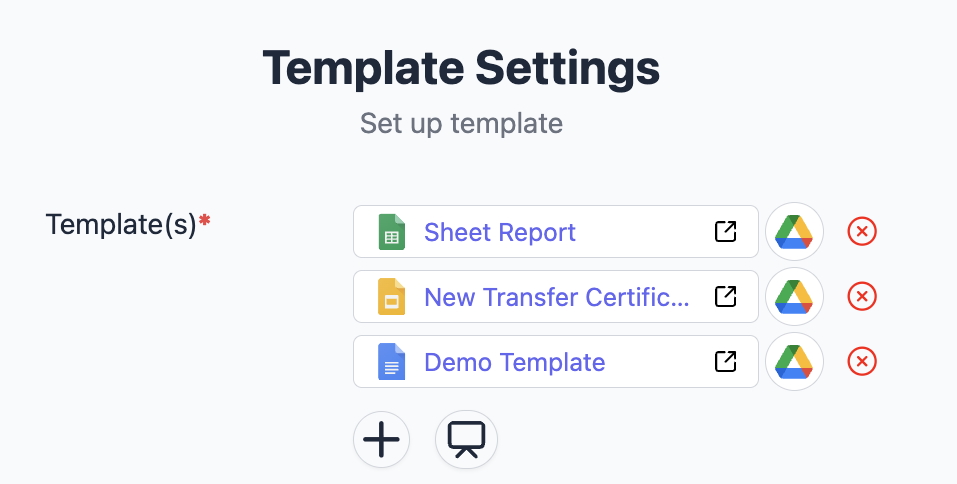
Managing multiple templates helps you deliver personalized, automated, and dynamic document workflows — all driven by form responses.