
Automating Patient Intake Forms for Clinics
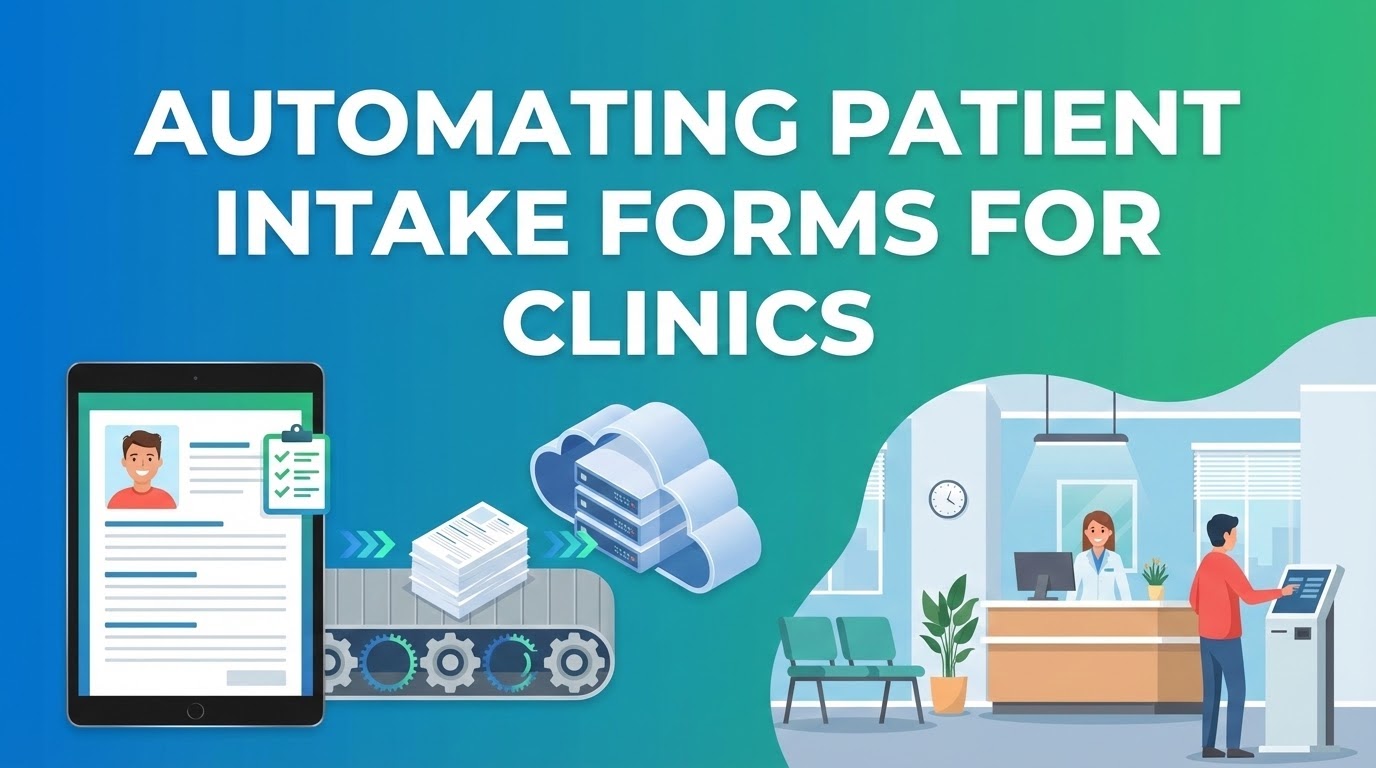
Walking into a clinic and being handed a clipboard with five pages of forms is a frustrating experience for patients. It is equally taxing for administrative staff who must manually transcribe handwritten notes into digital records—a process prone to errors that can compromise patient care.
By leveraging Form Publisher, clinics can transition to a "digital-first" intake process that saves time, reduces paper waste, and ensures that clinicians have the data they need before the appointment begins.
The Digital Waiting Room
Instead of managing physical paperwork, clinics can email a secure Google Form link to patients as part of their appointment confirmation. Patients complete their medical history, insurance details, and consent forms from the comfort of their homes. Form Publisher then takes that submission and instantly generates a standardized, easy-to-read Patient Intake Chart.
PATIENT CHART: PRE-ADMISSION
Name: {{Patient Name}} | DOB: {{DOB}}
Primary Care Physician: {{Doctor Name}}

CLINICAL ALERTS:
Allergies: {{Allergies}}
Current Medications: {{Medications}}

CHIEF COMPLAINT:
{{Reason for Visit}}
The clinic staff receives a notification that the file is ready. They can then print the PDF for a physical file or upload it directly into the clinic's Electronic Medical Record (EMR) system.
Why Healthcare Providers are Switching
- Eliminate Transcription Errors: Illegible handwriting on paper forms is a major risk factor in healthcare. Digital intake ensures that medication names and dosages are captured exactly as typed by the patient.
- Enhanced Privacy & Security: Because Form Publisher operates within your own Google Workspace account, you maintain full control over where the data is stored. Documents are generated and saved directly to your secure Google Drive, supporting your internal compliance protocols.
- Optimized Patient Flow: By moving the "paperwork phase" to the pre-appointment stage, you reduce waiting room congestion and allow practitioners to spend more time with patients and less time reviewing forms.
- Professional Branding: Every intake chart, consent form, or post-care instruction document can be branded with your clinic’s logo, header, and professional layout.
Beyond Intake: Specialized Use Cases
Automation isn't just for the front desk. Clinics are using Form Publisher for various specialized needs:
- Consent for Treatment: Generate and store signed consent forms for specific procedures.
- Telehealth Summaries: Automatically create a PDF summary of a virtual consultation to send to the patient's primary doctor.
- Referral Letters: Turn a quick internal form into a formal referral letter on clinic letterhead in seconds.
Get Your Clinic Running Smoothly
- Design your Chart: Create a Google Doc that matches your clinic’s existing chart layout using {{tags}} for patient data.
- Set up the Form: Use Google Forms to collect personal info, medical history, and emergency contacts.
- Automate the PDF: Connect Form Publisher to save the output as a PDF in a specific "New Patient" folder in Drive.
Modernize your patient experience and give your administrative team their time back. A digital clinic is a more efficient, safer clinic.