
Generate Custom Sales Proposals in Seconds
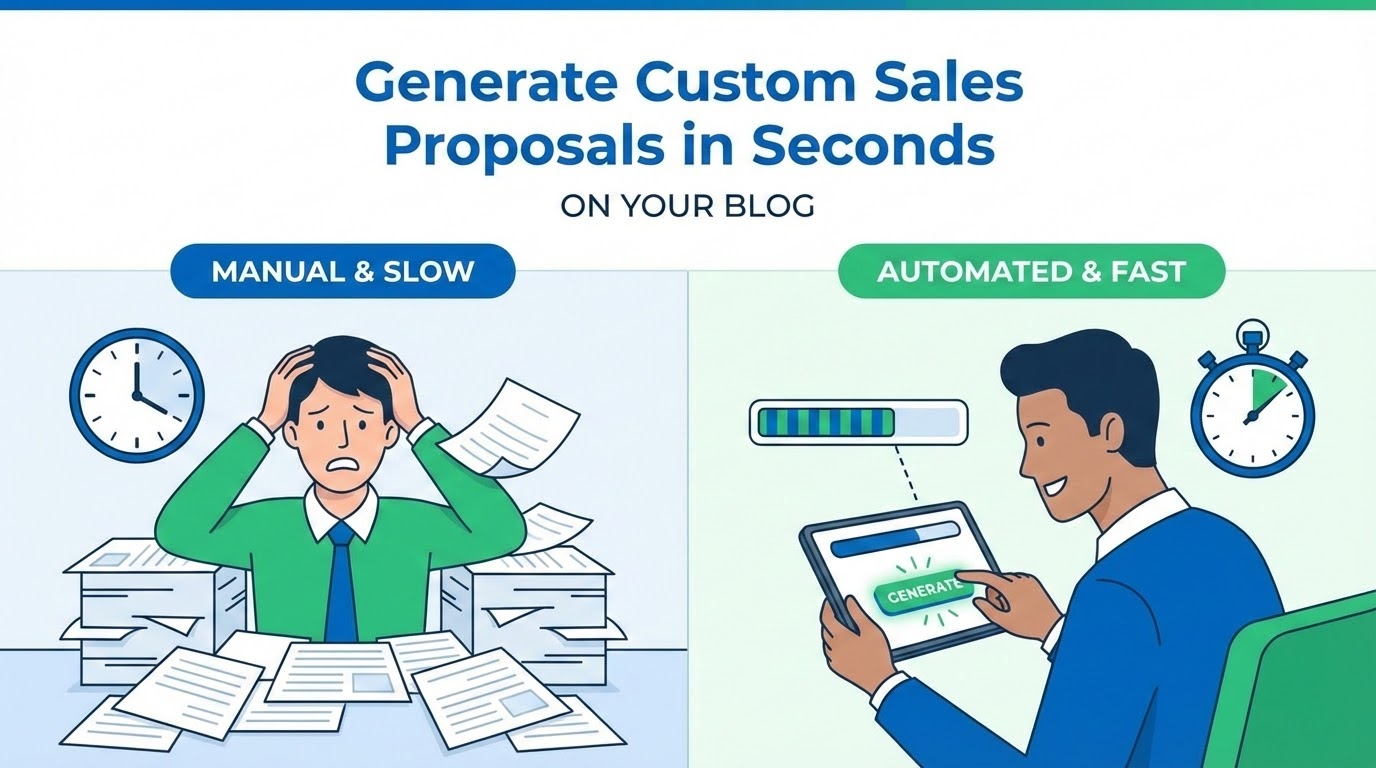
Sales teams waste hours copying and pasting data from CRMs into slide decks to create customized proposals for prospects. It's tedious, time-consuming, and leaves room for embarrassing formatting errors that can jeopardize a deal.
In the high-stakes world of B2B sales, speed is often the deciding factor. The faster you can deliver a professional, personalized proposal after a discovery call, the higher your chances of maintaining momentum. This is where Form Publisher changes the game.
The Google Slides Advantage
Form Publisher isn't just for documents; it works seamlessly with Google Slides. Build your master pitch deck template once, ensuring your branding, fonts, and layout are pixel-perfect. Then, simply add dynamic tags where the customization needs to happen.
Slide 1: Custom Proposal for {{Company Name}}
Prepared by: {{Sales Rep}}
Slide 3: Proposed Investment: {{Quoted Price}}
Slide 5: Implementation Timeline for {{Industry}}
By using these markers, you turn a static presentation into a dynamic engine. Sales reps just fill out a quick Google Form, and the personalized PDF deck is generated instantly.
Why Automate Your Proposals?
- Eliminate Human Error: No more "Insert Name Here" placeholders left in the final version. Data is pulled directly from the form into the slides.
- Brand Consistency: Marketing teams can lock down the master template, ensuring every rep stays on-brand without needing design skills.
- Workflow Automation: Automatically store a copy of the proposal in a specific Google Drive folder and email a PDF version to the prospect and the rep simultaneously.
- Scalability: Whether you are sending five proposals a week or five hundred, the process remains lightning-fast.
The 3-Step Setup
Getting started with Form Publisher is surprisingly simple:
- Create your Template: Design your proposal in Google Slides using {{tags}} to indicate where custom data should go.
- Link your Form: Connect a Google Form to your template. Each form question should correspond to one of your tags.
- Set your Destination: Choose who receives the generated proposal (the client, the sales manager, or both) and where it should be saved in Google Drive.
Close Deals While the Lead is Hot
Imagine finishing a discovery call and having a beautiful, tailored pitch deck in your prospect’s inbox before they’ve even closed their laptop. With Form Publisher, you remove the friction between "the pitch" and "the close."