
Effortless NDA Generation for Agencies
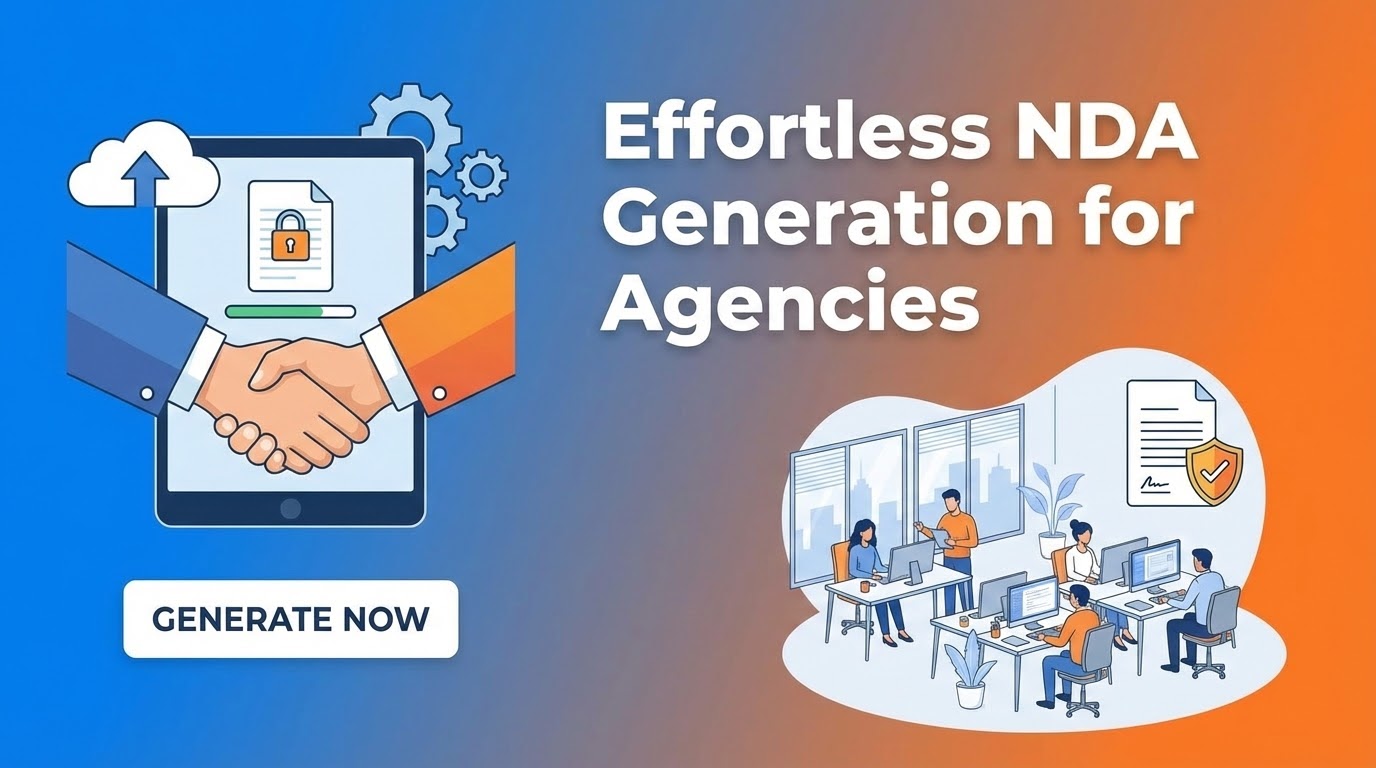
Agencies often work with dozens of freelancers and specialized contractors. Before a single creative brief is shared or a line of code is written, a Non-Disclosure Agreement (NDA) must be signed. Manually drafting these for every new partner is a bottleneck that delays project kickoffs and frustrates talent.
By automating your legal paperwork with Form Publisher, you ensure that your intellectual property is protected before the first "Hello" in Slack.
The Self-Serve NDA Workflow
Instead of playing email tag, create a standardized "Contractor Onboarding" Google Form. When a new partner joins a project, they fill out their own legal details. This data is instantly mapped to your agency’s vetted NDA template.
NON-DISCLOSURE AGREEMENT
This Agreement is entered into by and between [Your Agency Name] and:
{{Contractor Legal Name}}
Located at: {{Contractor Address}}
Effective Date: {{Date}}
The moment they hit "Submit," Form Publisher generates a professional PDF and stores it in a secure "Executed Agreements" folder in your Google Drive.
Why Automation is a Must for Agency Legal Docs
- Instant Protection: You never have to worry about a contractor starting work before the NDA is signed—the document is in their inbox in seconds.
- Data Integrity: Legal documents require 100% accuracy. By having the contractor input their own details, you eliminate typos in names, addresses, or entity types.
- Centralized Compliance: Every generated NDA can be automatically routed to a specific folder in Google Drive, making your annual audits or due diligence a breeze.
- Scalability: Whether you're onboarding one freelancer or a whole production crew, the workload for your operations team remains zero.
Level Up with E-Signatures
Generating the document is only half the battle. To make the NDA legally binding, you need a signature. You can configure Form Publisher to send the generated PDF directly to an e-signature service or include a dedicated "Signature" line in your Google Doc template.
For a completely friction-less experience, many agencies use the "Approval Workflow" feature. This allows the agency owner to review the generated document and "approve" it with a digital stamp or signature before it is finalized and sent back to the contractor.
How to Get Started
- Upload your NDA: Paste your standard NDA into a Google Doc and replace the variable fields with {{tags}}.
- Create the Intake Form: Build a Google Form that asks for the Contractor’s Name, Email, Address, and Date.
- Activate Form Publisher: Link the form to your doc and set the output to PDF. Choose your destination folder in Google Drive.
Stop letting paperwork slow down your growth. Protect your agency's secrets and onboard talent faster than ever.
Ready to automate your legal workflow? Get Form Publisher for Google Workspace today.