
Automating Employee Performance Reviews
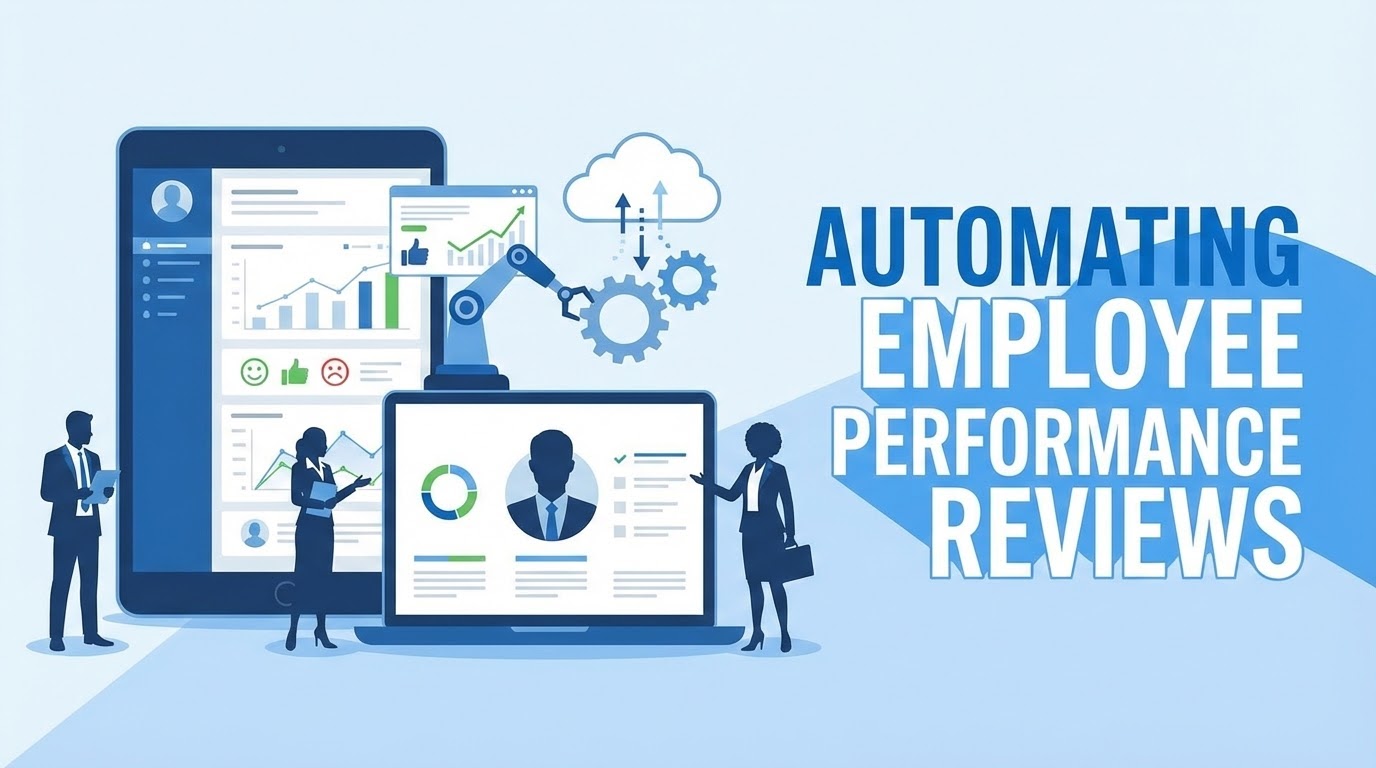
Performance review season is traditionally a period of administrative dread. HR departments often struggle to collate fragmented feedback from multiple managers and peers into a unified, professional document for an employee's official file. When done manually, this process is prone to delays, formatting inconsistencies, and data silos.
By using Form Publisher, you can transform a chaotic collection of spreadsheets into a streamlined, automated engine that produces high-quality review documents in seconds.
Standardized Feedback Loops
The first step to a fair review is a structured intake. By having managers submit their quarterly or annual reviews via a Google Form, HR can ensure that every employee is graded against the exact same criteria. This removes the "blank page" problem for managers and ensures the output is always consistent.
QUARTERLY PERFORMANCE REVIEW
--------------------------------------
Employee: {{Employee Name}}
Department: {{Department}}
Review Period: {{Quarter}}

OVERALL METRICS:
Performance Rating: {{Rating}}/5
Leadership Score: {{Leadership}}/5

QUALITATIVE FEEDBACK:
Strengths: {{Strengths}}
Areas for Growth: {{Improvements}}
Manager Signature: [Generated on {{Timestamp}}]
The Power of the Approval Workflow
In most organizations, a performance review shouldn't go directly from a manager to an employee without a second pair of eyes. Form Publisher’s Approval Workflow is a game-changer for HR compliance:
- Internal Review: The manager submits the form, and a draft PDF is generated and sent to the HR Director.
- One-Click Approval: HR can review the language and scores. With one click, they approve the document.
- Final Distribution: Once approved, the finalized PDF is automatically emailed to the employee and saved in their secure "Employee Records" folder in Google Drive.
Maintaining Confidentiality and Security
Employee performance data is highly sensitive. One of the primary advantages of using Form Publisher is that it operates entirely within your Google Workspace ecosystem. Unlike third-party HR platforms that store your data on their external servers, your reviews stay in your Google Drive. You maintain full control over folder permissions, ensuring that only the relevant manager and HR personnel can access the generated files.
Why Automation Improves Culture
Automation isn't just about saving time; it's about improving the employee experience. When reviews are automated:
- Feedback is Faster: Employees don't have to wait weeks for HR to "format" their review after the meeting has already happened.
- Professionalism is Guaranteed: Every employee receives a clean, branded PDF that makes them feel valued and part of a professional organization.
- Historical Tracking: Because every PDF is automatically filed and named (e.g.,
Review_2025_{{Employee Name}}), tracking growth over several years becomes effortless.
3 Steps to Automate Your Next Review Cycle
- Design the Master Template: Create a Google Doc that includes your company logo, a table for ratings, and placeholders like
{{Strengths}}. - Build the Intake Form: Create a Google Form with sections for core competencies and open-ended feedback.
- Configure Routing: Set Form Publisher to save the PDFs in a restricted "HR Reviews" folder and enable the email notification for the employee.
Stop chasing managers for Word documents and start focusing on developing your talent. With an automated system, performance season becomes a time for growth, not paperwork.
Ready to simplify your HR workflows? Get started with Form Publisher today.