
Automating Client Invoices for Freelancers and Small Businesses
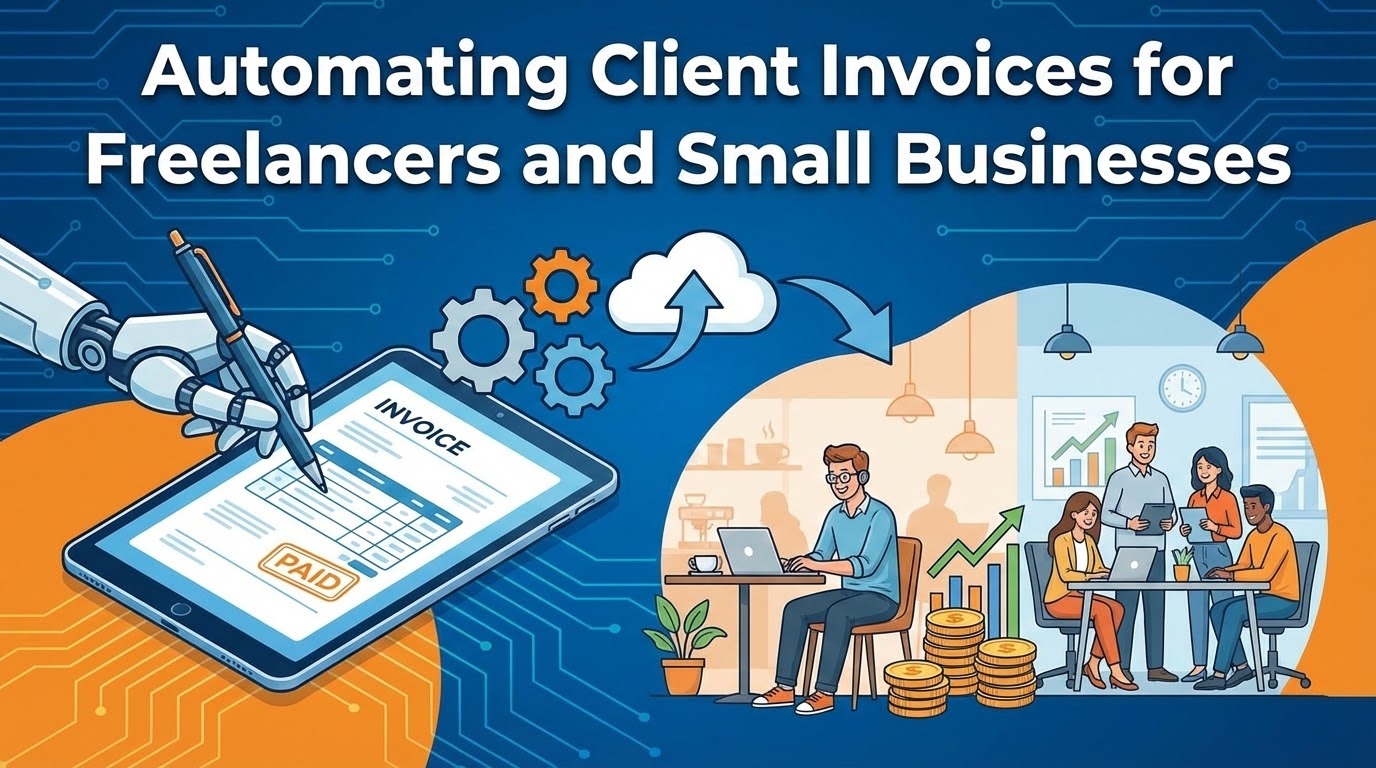
As a freelancer or small business owner, your time is your most valuable asset. Spending it on administrative tasks like creating and sending invoices is necessary to keep the lights on, but it doesn't directly contribute to your bottom line. Automation can free up that valuable time, allowing you to focus on billable client work instead.
The Repetitive Nature of Invoicing
Each invoice, while structurally similar, requires highly specific details: client name, services rendered, hourly rates, project costs, and due dates. Manually creating these documents in a word processor or spreadsheet is not only repetitive but opens the door for costly formatting or mathematical errors. A single typo on a total amount or an incorrect due date can delay your payment by weeks.
Invoicing on Autopilot with Google Sheets
Imagine a simpler workflow: at the end of a project, you fill out a quick, private Google Form with the client's details and project specifics. Smart Form Publisher takes that information and instantly populates your professional, branded invoice template.
While you can use Google Docs, Google Sheets is the ultimate tool for automated invoicing because it handles the math for you. You can map your form markers alongside built-in spreadsheet formulas to calculate taxes, apply discounts, and sum up subtotals automatically.
Client: {{Client Name}}
Invoice #: {{Invoice ID}}
Date: {{Date}}

| Description             | Hours/Qty | Rate      | Total |
|-------------------------|-----------|-----------|-------|
| {{Service Description}} | {{Qty}}   | $ {{Rate}}| =B5*C5|

Subtotal: =D5
Tax (8%): =D6*0.08
TOTAL DUE: =SUM(D6:D7)
Organize Your Finances in Google Drive
As your business grows, keeping track of hundreds of invoices can become a nightmare. Smart Form Publisher solves this by keeping your Google Drive flawlessly organized.
Using the Dynamic File Naming feature, you can configure the app to name every generated PDF invoice using your form tags. Instead of a messy folder full of files named "Untitled Document," your Drive is automatically populated with beautifully organized files like: Invoice-{{Invoice ID}}-{{Client Name}}.pdf.
Get Paid Faster with Custom Emails
The generated PDF invoice doesn't just sit in your Google Drive—it's immediately emailed directly to your client. But sending a blank email with a PDF attachment isn't great for client relations. Smart Form Publisher lets you design a personalized email template that includes crucial payment links.
Subject: Invoice {{Invoice ID}} from Your Company Name

Hi {{Client First Name}},

Thank you for your business! It was a pleasure working with you on {{Project Name}}.

Attached is the PDF invoice for the completed services. The total amount due is $ {{Total Amount}} by {{Due Date}}.

You can pay securely via credit card using this link: [Insert Stripe/PayPal Link]

Best regards,
Emily White
By turning a simple Google Form into an automated billing engine, Smart Form Publisher not only saves you hours of administrative work but also ensures your invoices are consistent, mathematically accurate, and sent out promptly—ultimately helping you get paid faster.