
How to Automate Professional Certificates from Google Forms Instantly
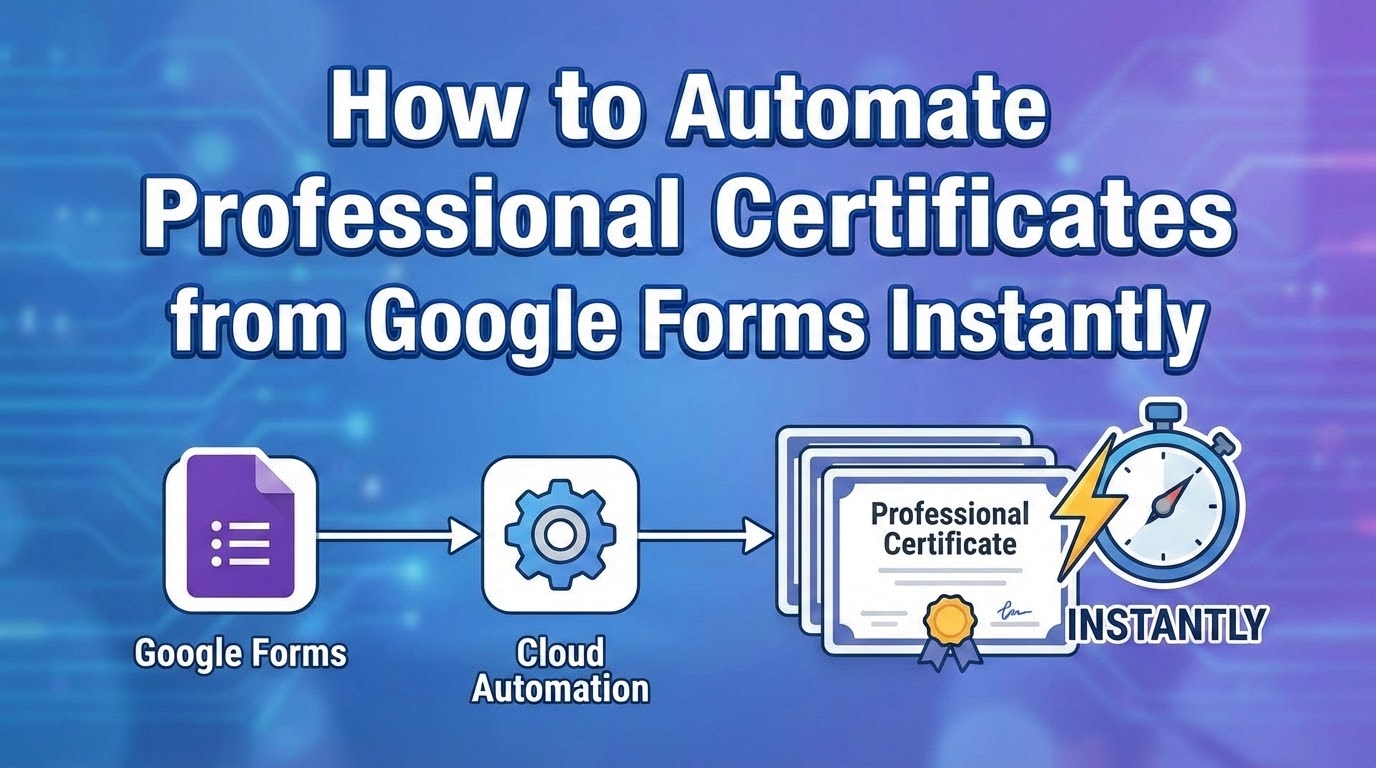
If you’ve ever hosted a webinar, concluded a corporate training session, or managed a graduating class, you know the post-event headache: generating and distributing certificates.
Historically, this meant downloading spreadsheets, wrestling with clunky mail-merge tools, individually saving files as PDFs, and manually attaching them to hundreds of emails. It’s a tedious, error-prone process that consumes hours of valuable time.
But what if you could put this entire workflow on autopilot? With Smart Form Publisher, you can turn Google Form submissions into professional certificates instantly. Here’s how automating your certificate workflow can save you time, eliminate typos, and delight your attendees.
Template-Based Certificate Design
You don’t need to learn complicated new design software. Smart Form Publisher allows you to use the tools you already know and love: Google Slides or Google Docs.
Simply design your ideal certificate (or use an existing template), and insert simple text tags. When a user submits your Google Form, the add-on instantly replaces those tags with the exact data they entered.
CERTIFICATE OF ACHIEVEMENT

Presented to:
{{Full Name}}

For successfully completing the program on {{Date}}.
Automatic PDF Generation Upon Submission
Speed is everything. The moment an attendee clicks "Submit" on your Google Form, Smart Form Publisher instantly goes to work. It takes the submitted data, merges it with your template, and generates a high-quality, professional PDF certificate in seconds. No manual triggering or batch processing required—it happens in real-time.
Instant Customized Email Delivery
What good is an automated certificate if you still have to email it manually? Smart Form Publisher handles the distribution for you. You can set up a customized, automated email template that addresses the recipient by name, thanks them for participating, and includes their brand-new PDF certificate as a secure attachment. They get their reward instantly, while the event is still fresh in their minds.
Automatic Google Drive Organization
Generating thousands of certificates can quickly clutter your digital workspace. Smart Form Publisher solves this by automatically saving and organizing every generated PDF directly into designated Google Drive folders. You’ll have a perfectly organized, searchable digital paper trail without ever having to drag and drop a single file.
Who Benefits from Certificate Automation?
- Educators & Schools: Instantly issue course completion certificates, student awards, or graduation diplomas.
- Event Organizers: Delight attendees with instant participation certificates the moment they fill out your post-event feedback form.
- HR & Corporate Trainers: Automatically generate compliance, safety training, and professional development certificates for employees.
How to Get Started in 3 Simple Steps
Setting up your automated certificate pipeline takes less than 5 minutes:
- Create your Google Form: Ask for the essential details (e.g., Full Name, Email Address).
- Design your Template: Open Google Slides or Docs, design your certificate, and add your
<<tags>>. - Connect Smart Form Publisher: Open the add-on inside your Google Form, map your form questions to your template tags, and turn on email delivery.
Stop doing busy work and start focusing on what really matters. Join thousands of professionals who are reclaiming their time with document automation. Install Smart Form Publisher today!